






How I Create a Nonprofit Website Using AI


Key takeaways
- You react to real pages within the first week, not a slide deck describing them.
- AI does not decide what the site is for. That list comes first, and everything after it is faster because of it.
- Claude Code writes the code; a person reads, tests and corrects every page for accessibility, forms and donation journeys.
- If you send changes to me, there is no need for a content system: I update the site with AI and the change is live in minutes. If several people edit, a headless content system such as Sanity or Keystatic fits.
- The code, the content and the hosting can all be in your organisation's name, so you can take the site with you.
Summary
The tools and steps I use to build a charity or nonprofit website with AI: Claude Design for layouts, Claude Code in Ship Studio for the build, Astro for fast plain pages, and, for editing, either plain files on GitHub that I change for you with AI or a headless content system such as Sanity or Keystatic when several people edit. AI does the drafting and the building; a person decides what the site is for and checks every page before it goes live, and the organisation owns the code, the content and the hosting.
A year ago, a new charity website meant months of waiting and a system only the agency understood. That has changed. You can now see your real pages within days, change them by typing a sentence, and own every part of the site outright.
This is how I build a nonprofit website today, step by step, and what each step means for your team.
What you can do with a site built this way
Start with the outcome. The tools come after.
- You see real pages early. You react to a working design, not a slide deck describing one.
- You change the site in plain English. "Add our new trustee to the board page" is an instruction, not a ticket.
- You own all of it. The code, the content and the hosting account are yours. If we part ways, nothing is held back.
- There are no plugins to keep updated. The site is a set of plain, fast pages, so there is far less to patch or break.
- Accessibility is built in from the first page. Every page is built to WCAG 2.2 AA.
Step 1: Decide what the site is for
AI does not do this part. You and I do.
Who checks you out before they fund you, partner with you or join you? What do they need to find? Where is your safeguarding route, your complaints route, your latest accounts, your trustees?
A charity website is a governance record as much as a shop window. We write that list down first. Everything after it is faster because of it.
Step 2: Design in Claude Design
I describe each page in plain English and Claude Design produces a real layout I can refine: the homepage, the donate page, the governance page.
You see your own words in a real design in the first week. You can say "the appeal should come before the news" and see it move. Feedback takes minutes because there is something concrete to point at.
Step 3: Build with Claude Code in Ship Studio
Claude Code is the tool that writes the website's code. I give it the approved designs and the rules the site must meet. It builds the pages. I read, test and correct what it produces.
Ship Studio is where I run that work. It lets me see the site as it is being built and keep every change tracked.
The speed comes from here. The judgement does not. I check every page for accessibility, working forms and working donation journeys before you see it.
Step 4: Astro, so the site stays fast and simple
The site is built on Astro. Astro turns your site into plain web pages before anyone visits, so there is no database behind each page view.
For a nonprofit, that means pages that load quickly on a slow phone connection and far fewer moving parts to maintain. If you are weighing it against other frameworks, here is how Astro compares with Next.js for a nonprofit site.
Step 5: Choose how you edit
This is the decision most charities get wrong, because they buy more system than they need.
- You send changes to me: there is no need for a content system. Your content sits as simple text files on GitHub, which keeps a full history of every change. You tell me what to change in plain English, I update the site with AI, and the change is live a few minutes later.
- Your team edits the site itself: I recommend a headless content system to suit how you work. Sanity and Keystatic both work well, and there are several other good options. Each person logs in, edits in a form, and previews before publishing. It suits a comms team with drafts and sign-off.
Most small charities have one person who touches the website. They do not need a content system. They need changes made quickly and recorded properly.
Step 6: Hand over the keys
The code lives in a GitHub account and the site is hosted on Cloudflare. Both can be in your organisation's name. If you ever leave, you take the site with you, and planning the handover before launch is what makes that true.
What AI does not do
- It does not decide what your organisation says. Your words stay yours.
- It does not approve its own work. A person checks every page.
- It does not replace your policies. If your governance rules out AI tools, this approach is not for you, and that is a fair position.
If you want to see what this would look like for your charity or nonprofit, get in touch. For a small charity, the small charity website is built this way.
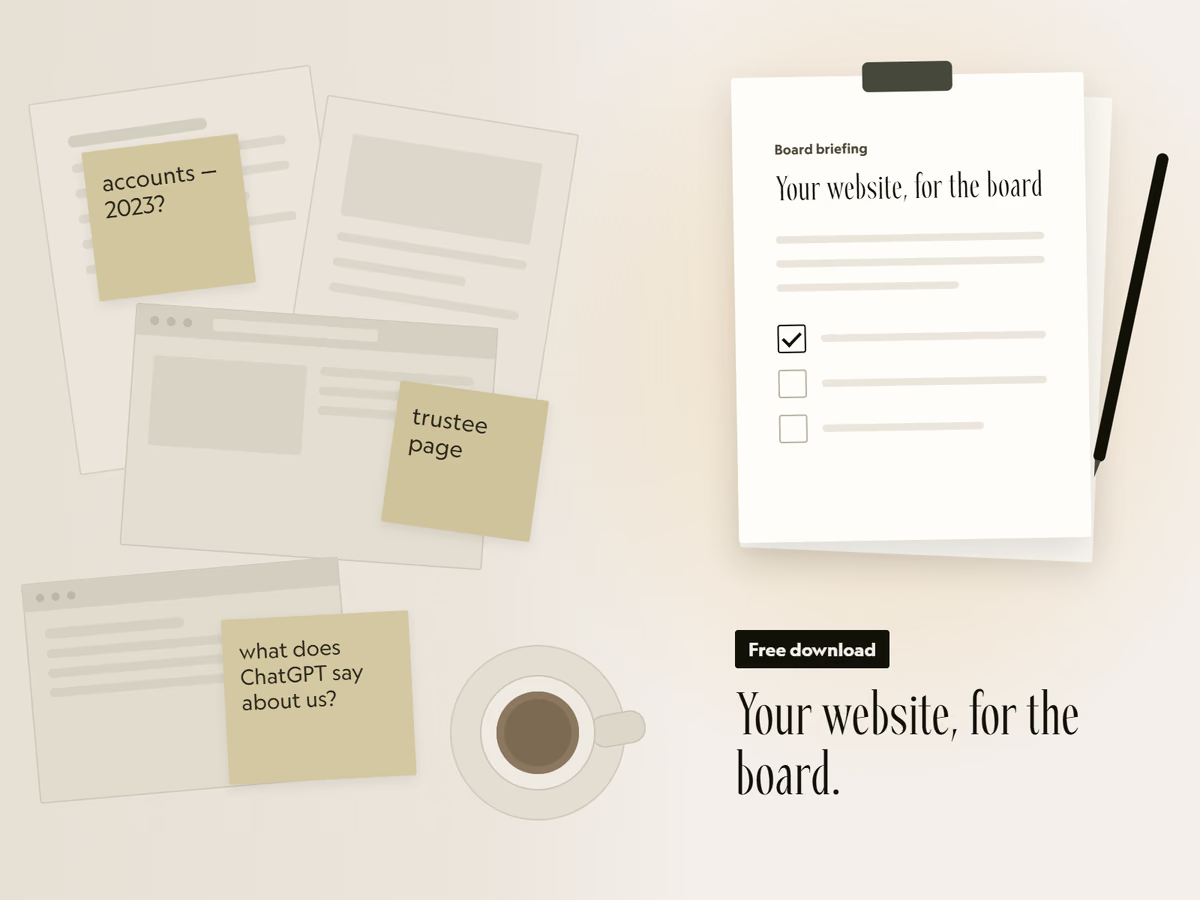
Free download
Your website, for the board.
A two-page briefing you can fill in and put in the next board pack. It covers the six things funders check, how to see what AI tools say about you, and the options to put to trustees.
That did not send. Email hello@socialectric.com and we will send you the briefing. The spam check did not finish. Try again, or email hello@socialectric.com and we will send you the briefing.
Frequently asked questions
- Do we need to understand AI to use the site?
No. You ask for a change in normal language, or you send it to me.
- Who owns the website?
You do. Code, content and hosting.
- We only have one person who updates the site. Is that a problem?
No. It is the simplest case. You do not need a content system at all.
- Is a site built with AI accessible?
Only if someone checks it. Every page is built and tested to WCAG 2.2 AA.
- Can we move away later?
Yes. Astro sites are standard web files. Any competent developer can take them on.